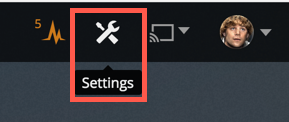
Step 1:
Go here: https://plex.watch-tower.net/web/index.html#!/settings
Or click on settings in the top right hand corner.

If you load the web player from another URL the settings will go back to default and you will need to change the settings again. ie. https://app.plex.tv/desktop# This also applies when using different browsers.
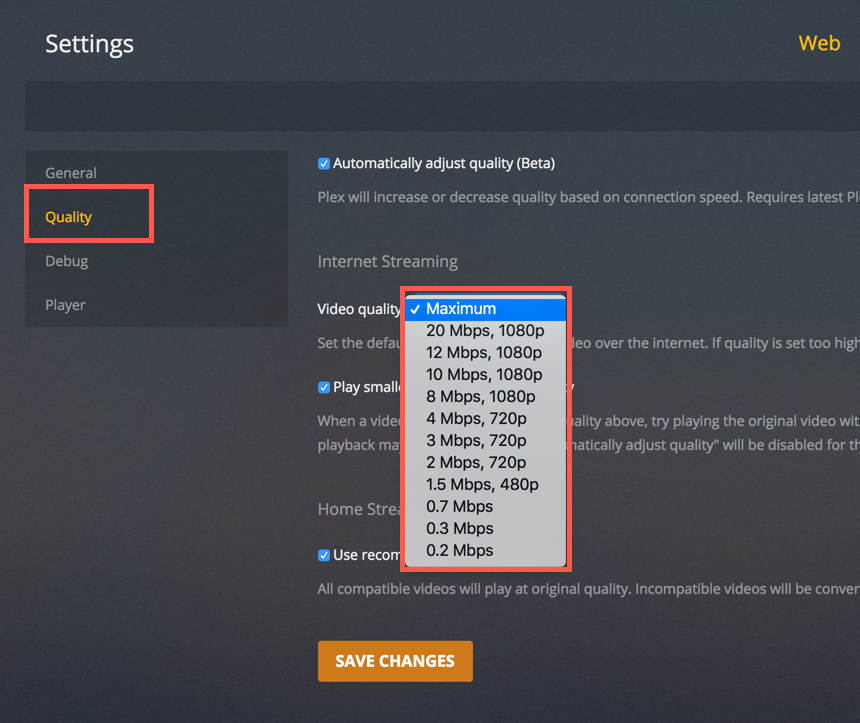
Step 2:
Change your quality setting if possible. For example, if your speed test result was 50 Mbp/s (this will cover all content except 4k) on Download Then You can chose “Maximum”. This will play the videos at their original quality! If you have buffering issues you can work your way down the list one by one to see what works.

You must use “Maximum/Original” for 4k content. A constant 80Mbp/s is required on the speedtest. The server will not allow transcoding of 4k content.